
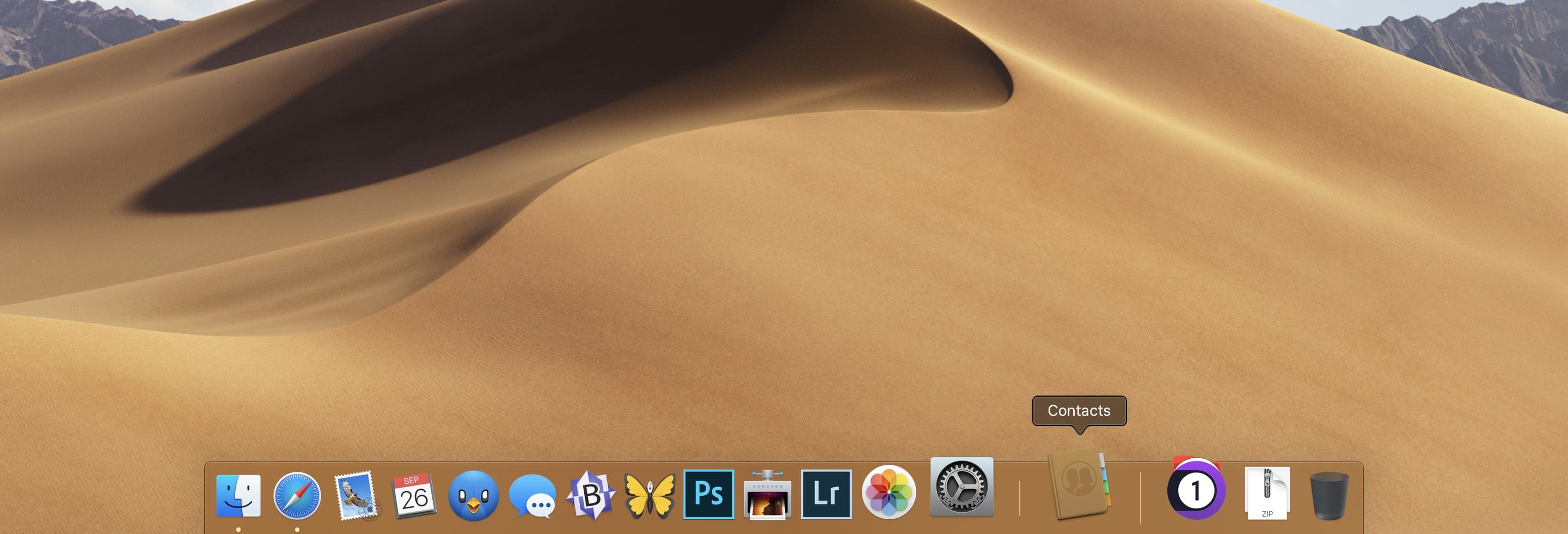
I have been running MacOS Mojave1 for a day now and have had no issues so far. Some privacy settings were reset and Photos has crashed twice but otherwise it’s working like a charm. I did get one surprise right after upgrading though…
As far as I can tell, displaying recently used apps on the right/bottom side of the Dock2 is a new feature. This is illustrated by Contacts in the screenshot above. Notice the new divider, putting Recent Apps between the Dock’s more permanent members and Stacks (on the right). I haven’t seen this on MacOS before but I do recall I had to switch it off on my iPad Pro3. Some might find this useful; I don’t.

You can switch it on/off in System Preferences → Dock, right at the bottom of the list.
Chcesz zwrócić mi na coś uwagę lub skomentować? Zapraszam na @morid1n.