
If the OS X, iOS and watchOS betas weren’t enough, Apple also released a third beta of tvOS 9.2 yesterday. Since I’m using my Apple TV 4 in Poland, it’s much more limited in its functions that the units being used in USA. This is slightly frustrating, especially since Siri just started working a few weeks ago for the first time, but is still extremely limited in what she can do. Despite this, I love watching tvOS evolve, and since I use my Apple TV every day, I hope it gets better quickly.

Operator Mono from Hoefler & Co. →
John Gruber:
I heard that Hoefler & Co. were working on a monospace typeface a few months ago, and the result is everything I expected: distinctive, attractive, and practical. The script face for the italics is a little wild, but why not go a little wild on the italics in a monospace typeface?
I have a few fonts which are on my favourites list. Operator Mono just pushed one of them off of it.
Sublime Text Is Back →
Owen Williams:
Sublime Text is one of the most popular text editors for developers out there, but over the last year concerns mounted that the project was dead as development of the next version stalled completely.
This week, though, the app has come back to life with the release of a new update for Sublime Text 3. The release today brings a number of major bug fixes, introduces a new sublime-syntax and speeds up file loading.
Very good news!

tvOS 9.2 beta 3 — What’s New?

OS X 10.11.4 beta 3 — What’s New?
I’ve been much more enthusiastic in the new OS X betas than the iOS ones, to be honest. I’m really glad Apple is working on both systems, not only focusing on new features, but also stabilising both platforms. The third beta for OS X El Capitan 10.11.4 was released yesterday and unfortunately has no new goodies that I know of.
iOS 9.3 beta 3 — What’s New?
There wouldn’t be a watchOS beta without an iOS counterpart — the third beta for iOS 9.3 dropped yesterday as well. There aren’t many new features, but there are some nice tweaks and additions added onto those in beta 2.

watchOS 2.2 beta 3 — What’s New?
Apple released a new beta — the third one — of watchOS 2.2 yesterday, two weeks after beta 2. As it has always been required before, you will be able to update to the new watchOS beta through the Watch.app on your iPhone. Just go into General → Software Update. Your Apple Watch needs to be connected to a charger and has to have at least 50% battery life left.
Firewatch Allows User to Develop Physical Prints From Pics Snapped in Game →
Joey Davidson:
The PC version of Firewatch has a special feature that the console version lacks. You find a disposable camera in the forest. You can use that camera to take pictures in the game as you play. Once you finish the game, you’ll get a link in the menu to a web store where you can buy your prints.
Really, you can get the pictures you took in the game developed. Here are mine.
This is great! Unfortunately only in the PC version of the game.
Apple Launches Mac Pro (Late 2013) Repair Program →
Jordan Kahn:
In the notice, Apple notes that Mac Pros manufactured between February 8, 2015 and April 11, 2015 are eligible for repairs due to issues with the machine’s graphics cards that “may cause distorted video, no video, system instability, freezing, restarts, shut downs, or may prevent system start up.”

How Will Twitter’s Algorithmic Timeline Work →
Alex Kantrowitz:
Say hello to a brand new Twitter. The company is planning to introduce an algorithmic timeline as soon as next week, BuzzFeed News has learned.
The timeline will reorder tweets based on what Twitter’s algorithm thinks people most want to see, a departure from the current feed’s reverse chronological order.It is unclear whether Twitter will force users to use the algorithmic feed, or it will merely be an option.
Since Alex posted his article a few days ago, Casey Newton explained how it would work on The Verge:
The algorithm that will re-order your timeline is based on the one that ranks tweets for the “while you were away” feature that Twitter introduced a year ago. The best way to think of the new timeline is as an expanded version of this feature. Spend an entire day away from Twitter, and when you open the app again, you’ll see highlights from the day. If you open it up a few times a day, you’ll see a handful of “while you were away”-style sections breaking up the chronological tweets. And whenever you pull down to refresh your stream, it’s back to the regular, reverse-chronological timeline.
Here’s one way to think of it: scroll down through the timeline, and it’s like the Reddit homepage, showing the most popular things first. Scroll back up, and the feed turns into regular reverse-chronology Twitter. One tester told me that the new timeline will also show you related posts for popular tweets if you want to dive deeper. In any case, this will be the new Twitter by default — but you will be allowed to opt out of the new timeline, The Verge has confirmed.
As far I as I know, this change will not effect third party Twitter clients, such as Tweetbot [iOS / Mac] and Twitterrific [iOS] — they will continue to function as they have so far. Regular Twitter users will be able to opt out if they choose to, as far as Casey has learned at least.
First of all, I believe this should be an opt-in function — I can imagine many casual users getting confused about why their tweets are ordered in a seemingly random fashion. Secondly, the reason I stopped using Facebook was their algorithmic timeline — it never worked as I wanted it to. I hope Twitter doesn’t screw this up.
The Verge spoke to two users who have been testing the new timeline for a few months. Neither particularly liked it. “I started to get used to it but I still think that it is a terrible idea,” Twitter user Robin Bonny told me. “It tears conversations apart, and it’s really confusing when some people have been live-tweeting an event and those things get scattered all across my timeline. It makes it extremely hard to follow events, and destroys one of the core values of Twitter, in my opinion.”
I am extremely disappointed that Twitter never bothered to introduce a timeline position sync API, and I’m extremely thankful that Tapbots is doing such excellent work on Tweetbot. If not for the latter, I would probably have stopped using Twitter a long time ago.

Day One 2 for iOS and Mac — First Impressions
I first started using Day One Classic1 in 2011. At least that’s what my first entry shows — I have a “Hello World” post on 29 December 2011. I have never used it on a daily basis, preferring to post most of my thoughts on Twitter instead, but I do try to write down all of my personal stuff in there — mostly all the bad stuff as far I can see. It has become my own way of dealing with all the negativity in the world and in my life. I admit that I have been writing less recently, mostly due to lack of time, but every since Day One 2.0 debuted on Mac and iOS, I have been using it every single day. Obviously part of that is due to the novelty of having and using new software, but I honestly hope I’ll be able to keep it up.
- That’s that the 1.x version is now called. ↩
‘Error 53: Apple Remotely Bricks Phones to Punish Customers for Getting Independent Repairs’ →
Cory Doctorow:
Error 53: Apple remotely bricks phones to punish customers for getting independent repairs.
Apple is punishing customers? Seriously?
The Guardian’s Click-Baity Article on the ‘Error 53’ Which Bricks iPhones →
Miles Brignall, for Guardian Money, details the problems that iPhone users have been having after updating to iOS 9 with ‘error 53’, which results in bricked phones:
Thousands of iPhone 6 users claim they have been left holding almost worthless phones because Apple’s latest operating system permanently disables the handset if it detects that a repair has been carried out by a non-Apple technician.
Technically, a phone which is worth 50% of its original value (see below), is not ‘worthless’.
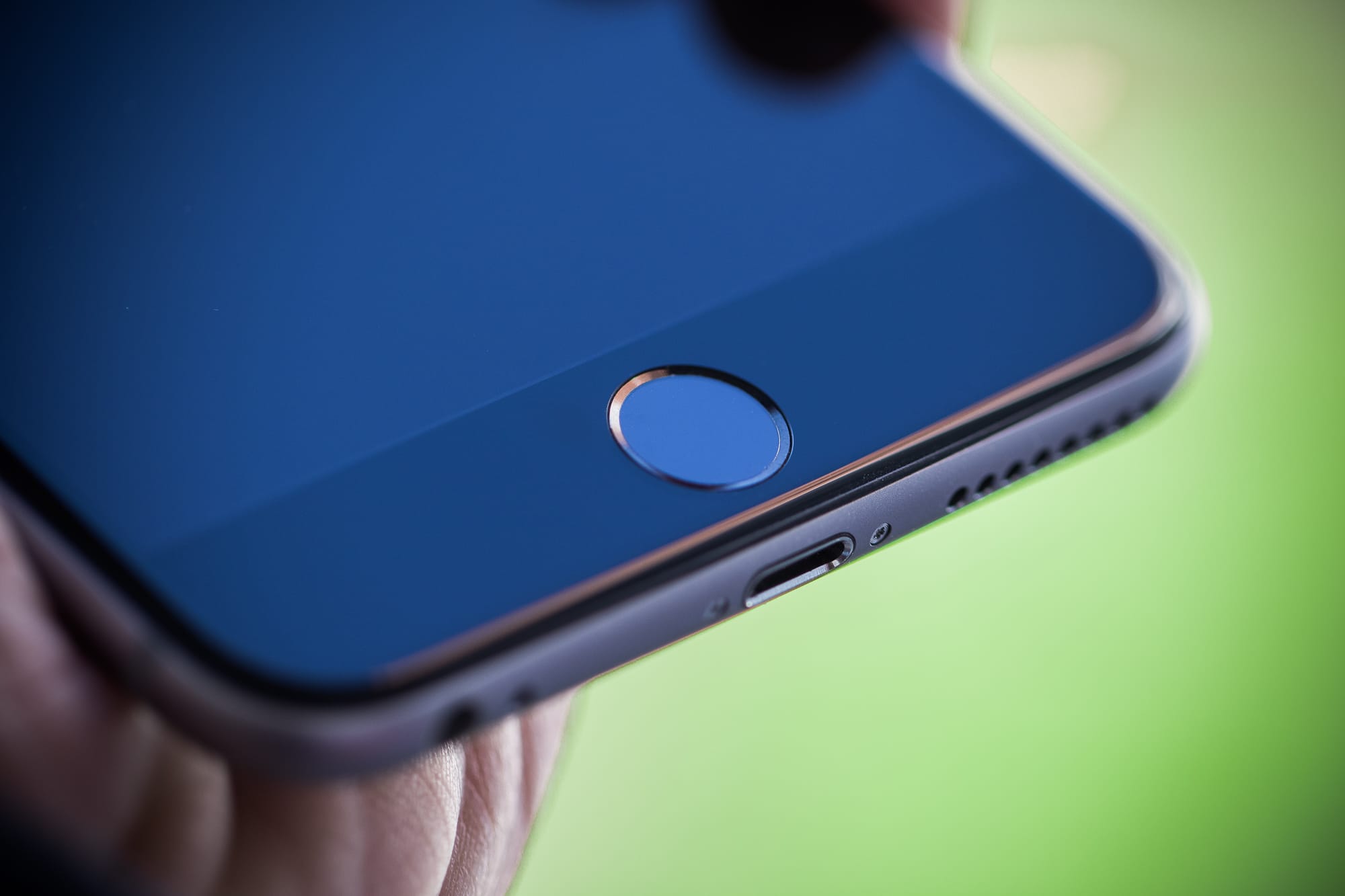
(…) The issue appears to affect handsets where the home button, which has touch ID fingerprint recognition built-in, has been repaired by a “non-official” company or individual. It has also reportedly affected customers whose phone has been damaged but who have been able to carry on using it without the need for a repair.
Ahh… so it concerns Touch ID — the thingamajig which reads fingerprints — one of the few elements of the iPhone which is extremely important for privacy reasons.
But the problem only comes to light when the latest version of Apple’s iPhone software, iOS 9, is installed. Indeed, the phone may have been working perfectly for weeks or months since a repair or being damaged.
An update to iOS 9 seems to be the cause of the ‘error 53’, which bricks the iPhones.
After installation a growing number of people have watched in horror as their phone, which may well have cost them £500-plus, is rendered useless. Any photos or other data held on the handset is lost – and irretrievable.
I’m sure they watched the whole iOS update process in horror, knowing that it will brick their phone. Enough with the drama already.
Also, a properly configured iPhone (if the user bothered to read the on-screen information when they first started configuring it) has all of its data backed up to iCloud every night (this usually happens at night, when the phone is charging). It their fault if they didn’t bother backing everything up (it’s automatic once an iCloud account is created). Would you go blaming Apple if you lost your phone, making your data ‘irretrievable’? Or if someone stole it? No.
Tech experts claim Apple knows all about the problem but has done nothing to warn users that their phone will be “bricked” (ie, rendered as technologically useful as a brick) if they install the iOS upgrade.
I assume this kind of information is in the EULA/TOS/warranty — see section 1.7 here.
Freelance photographer and self-confessed Apple addict Antonio Olmos says this happened to his phone a few weeks ago after he upgraded his software. Olmos had previously had his handset repaired while on an assignment for the Guardian in Macedonia. “I was in the Balkans covering the refugee crisis in September when I dropped my phone. Because I desperately needed it for work I got it fixed at a local shop, as there are no Apple stores in Macedonia. They repaired the screen and home button, and it worked perfectly.”
He says he thought no more about it, until he was sent the standard notification by Apple inviting him to install the latest software. He accepted the upgrade, but within seconds the phone was displaying “error 53” and was, in effect, dead.
What Antonio describes seem to be a new set of rules in iOS 9, which make sure that the Touch ID part of it is indeed safe to use — if not, the phone is ‘bricked’.
When Olmos, who says he has spent thousands of pounds on Apple products over the years, took it to an Apple store in London, staff told him there was nothing they could do, and that his phone was now junk. He had to pay £270 for a replacement and is furious.
My friend dropped her iPhone once and was also asked to pay 50% of the price of a new iPhone to receive a brand new one — she was also ‘furious’. At herself though.
“The whole thing is extraordinary. How can a company deliberately make their own products useless with an upgrade and not warn their own customers about it? Outside of the big industrialised nations, Apple stores are few and far between, and damaged phones can only be brought back to life by small third-party repairers.
Imagine what would happen if repair shops started replacing the Touch ID buttons with fake ones, which stole the fingerprints and data of the owners. I assume someone would write a ‘Apple fails to protect users’ privacy’ article.
Could Apple’s move, which appears to be designed to squeeze out independent repairers, contravene competition rules? Car manufacturers, for example, are not allowed to insist that buyers only get their car serviced by them.
I am pretty sure it would at the least it would void all warranties if a buyer changed out any of the car’s mechanical systems, which are designed to keep the driver and passengers safe, for an unauthorised third-party system, eg. ESP, ABS, etc.
A spokeswoman for Apple told Money (get ready for a jargon overload): “We protect fingerprint data using a secure enclave, which is uniquely paired to the touch ID sensor. When iPhone is serviced by an authorised Apple service provider or Apple retail store for changes that affect the touch ID sensor, the pairing is re-validated. This check ensures the device and the iOS features related to touch ID remain secure. Without this unique pairing, a malicious touch ID sensor could be substituted, thereby gaining access to the secure enclave. When iOS detects that the pairing fails, touch ID, including Apple Pay, is disabled so the device remains secure.”
She adds: “When an iPhone is serviced by an unauthorised repair provider, faulty screens or other invalid components that affect the touch ID sensor could cause the check to fail if the pairing cannot be validated. With a subsequent update or restore, additional security checks result in an ‘error 53’ being displayed … If a customer encounters an unrecoverable error 53, we recommend contacting Apple support.”
I’m glad Apple is verifying if the Touch ID assembly in my iPhone is authentic and not tampered with. My fingerprints, which are stored in the secure enclave, are used to access my bank accounts and many other (slightly less sensitive) forms of data. Other people also use Touch ID for Apple Pay, which is not yet available over here. I do not want someone to hack me were I to stupidly replace the Touch ID sensor, cable, and what-not, with an unauthorised part. My data is worth much, much more than 50% of the price a new iPhone. That’s why I back it up every day. Or rather, my iPhone does that for me.
I’m quite disappointed with The Guardian deciding to run this article, which is unnecessarily sarcastic, click-baity and misguided. The author obviously doesn’t understand how Touch ID works, why its hardware implementation is so important, and how the whole system is securely integrated with the hardware, designed to keep the users’ fingerprints and data safe.
The Guitar Kurt Russell Smashed in the Hateful Eight Was an Antique →
Christopher Hooton:
The Martin Guitar Museum has vowed never to loan guitars to movies ever again, after a six-string from the 1870s was smashed to pieces on the set of The Hateful Eight.
I imagined Jim Dalrymple and Merlin Mann shedding a tear upon reading this.

Five BBEdit Tips From Tobias →
Tobias Günther:
BBEdit is one of the most feature-rich text editors on the Mac.
Over many years, it has been improved and refined to become the powerful application that it is today.In this post, we have compiled 5 tips that will help you get the most out of it.
I’ve been meaning to learn how to use all of the more advanced features of BBEdit since I first started using it. I hope these tips will finally get me started…
Free BB-8 icon for BBEdit from Jimmy Hartington →
This is how to use replace the default BBEdit icon with the BB-8 edition:
- Click the link in the title.
- Download the file which contains the icons.
- Unzip the archive.
- Open the
BB8dit@1x.pngfile with Preview.app. - Press ⌘A to Select All.
- Press ⌘C to copy the image to the clipboard.
- Open a Finder window and go to
/Applications/or wherever you have BBEdit installed. - Highlight BBEdit and press ⌘i to bring up the information window.
- Click on the BBEdit icon in the top left corner of the window — it should highlight with a blue outline.
- Press ⌘V.
- Close the window.
If you ever want to revert back to the original icon just open up the info window in step 8, select the icon and press Delete on your keyboard.
Thanks @jimmyhartington!
BADLAND: Game of the Year Edition – Mac – Games – €9.99 > €2.99 →
Grand Theft Auto: Chinatown Wars – iOS – Games – €4.99 > €1.99 →
iPad Mini Slowly Slides Into Irrelevancy →
Neil Cybart:
The iPad mini’s best days are behind it. Using app analytics data from Fiksu and Mixpanel, along with my own iOS device sales estimates and projections, I was able to derive iPad mini sales since launch. Over the past two years, iPad mini sales trends have deteriorated much faster than most people think. When taking into account the move to larger iPhones and iPads, the iPad mini’s value proposition has likely been weakened to such a degree that the decline in sales is permanent. We have experienced “Peak iPad mini.” More importantly, by analyzing the iPad mini’s sales trends, we have better insight as to where the iPhone and iPad product lines are headed and the iOS platform’s overall direction when it comes to form factors.
If the data is accurate, this is a very interesting take on the iPads — big and small. I am constantly shocked how my own view of the iPad (of all sizes) differs from ‘a typical user’. I am using an iPad Pro at the moment, but I love all three sizes. Each one naturally has different strengths and weaknesses. The mini was perfect for reading books and thumb-typing, the Air was near ideal for displaying magazines, while the Pro adds comic books to the latter, and increases productivity, but is less comfortable to use with one hand. At the same time I’m constantly thinking of getting an iPad mini to use just for Tweetbot…
Buying USB-C Cables Is Insane →
Dieter Bohn:
The solution should be simple, then: just don’t buy cut-rate USB-C cables. But “just buy the more expensive one” is a really crappy solution. Right now, if you want to buy a safe cable, you have to know Leung is the only person vetting them in a broad way on Amazon. Here’s the process you have to go through:
- Know that this is an issue in the first place.
- Know that this one helpful Google engineer is the only person testing and reviewing USB-C cables.
- Go hunting for Leung’s reviews on Amazon (or, alternately, discover this spreadsheet or this website created by redditors to aggregate his reviews).
- Buy a cable.
- Pray.
This process is insane, and it shouldn’t be this way.
People often complain about things such as Apple’s Made for iPhone program, but what they don’t understand at the time of complaining is that it’s there for their security. I’m currently looking to buy a USB-C cable myself and the current state of affairs is unacceptable.

Jetlag — Two Photographers in Two Different Places Shooting at the Same Time →
A very interesting project and a great way to display Alex’s and Thomas’ work — the visual form is very appealing.
Keybase — An End-to-End Encrypted File Sharing Service →
Keybase is an open directory — no API key needed — so you can request maria’s key, get her proofs, and verify her identity in any software. The goal of Keybase is to let any security software be powered by usernames instead of offline key exchanges.
This looks very promising, although the fact that they have no monetisation strategy in place is a little worrying.
P.S. Jon Russel wrote more about Keybase here, on TechCrunch.
Safari for iOS Basics — Open Links in the Background
Opening links in the background is something which I do all the time on a Mac, using either the contextual menu under a two-finger tap or simply holding down the ⌘ key while clicking on a link. This means I am free to continue reading or doing whatever it is that I am doing and going back to that link later. This option is also available under iOS in Mobile Safari, but it needs to be turned on first.
(New!) Day One 2.0 – Mac – Lifestyle – €19.99 →
And this is Day One’s Mac counterpart. Purchased.
(New!) Day One 2.0 – iOS – Lifestyle – €4.99 →
Brand new! Just this moment arrived!
Two Different Cameras on iPhone 7 and 7 Plus →
Eric Slivka:
According to a source who has provided reliable information in the past, the iPhone 7 body will appear very similar to the design used for the iPhone 6 and 6s, with two significant exceptions.
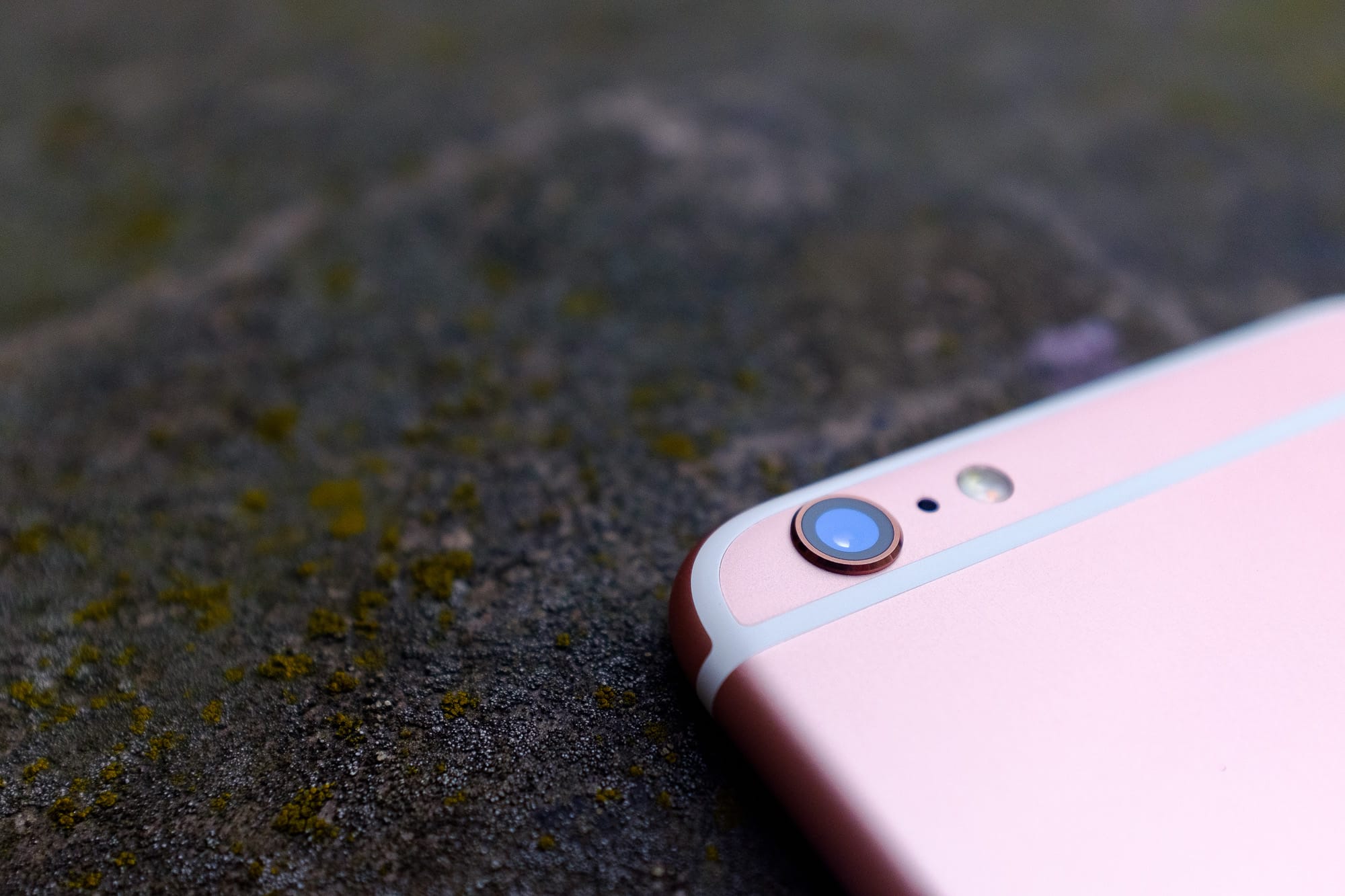
The first involves the rear camera, which protrudes slightly on the iPhone 6 and 6s. On the iPhone 7, the camera is said to sit flush with the rear casing, enabled by a thinner camera module. Recent rumors have indicated Apple is considering equipping the iPhone 7 Plus with a dual-lens rear camera, but the smaller iPhone 7 is expected to include a more traditional camera.
I don’t mind that bump very much, until I look at it. I do however hope the thinner camera module will not compromise quality in any way. I’m also glad the antenna bands will (supposedly) go away — I still find them extremely unattractive.
I can’t say I’ll be surprised if the two iPhones turn out to have different camera modules — thus far only OIS has been the differentiating factor between the 6/6S and 6 Plus/6S Plus. I’ve been a Plus user for the past year, because I needed more battery on a daily basis, but this changed recently and I was going to go back to the 4.7″ size for the iPhone 7. I will probably reconsider if the 7 Plus has a better camera system.

The Hatton Garden Raid →
Laurence Dodds:
It was, said the counsel for the defence, a crime fit for the big screen. The men who gathered on Friday evenings at the Castle pub in Islington to plan the Hatton Garden safe deposit burglary were classic outer London characters, ageing members of the capital’s criminal aristocracy with names like The Guv’nor and Billy the Fish. Some of them had connections stretching back to the heyday of the East End folk heroes, to the world of Arthur Daley and Ronnie Kray. Their average age was 66.
This piece will take on a whole new meaning if you’ve seen ‘Legend’ with Tom Hardy recently.
Three Sources Claim Apple Event on March 15 →
Mark Gurman:
Apple is currently aiming to unveil the new 4-inch the iPhone 5se, the iPad Air 3, and new Apple Watch band options at an event on Tuesday, March 15th, according to sources.
John Paczkowski posted his own take a few hours later, confirming the event, and so did Matthew Panzarino.
The new band lines will include multiple new colors for the rubberized Sport bands, new Hermès bands, a ‘space black’ version of the Milanese Loop, and an entirely new band line made of a new material. Supply chain sources indicate that Apple has been testing a series of “high-quality” NATO-style nylon bands for the Apple Watch, but we have not confirmed that this is indeed the new line launching in March.
Mark was the only one of the trio who commented specifically on the new Apple Watch things we can expect. I’m quite interested in the NATO-style bands, as well as a Space Black Milanese Loop for more formal occasions.
Microsoft Buys SwiftKey for $250 Million →
Tim Bradshaw and Murad Ahmed for the Financial Times:
Microsoft is paying about $250m to acquire London-based Swiftkey, maker of a predictive keyboard powered by artificial intelligence that is installed on hundreds of millions of smartphones, according to people familiar with the deal.
Jon Reynolds and Ben Medlock, who founded the company in 2008 when both were in their 20s, will each make upwards of $30m from the buyout, which is set to be announced this week.
I have been a SwiftKey user on Android for many years and while the keyboard layout has its own issues, it has one absolutely genius function: the ability to choose two primary languages. This means that the keyboard will auto discover which one we are currently typing in and autocorrect as necessary — there is no need to change the language at all.
I really hope Apple adds this feature to iOS soon — I really miss it, switching between keyboards dozens of times per day. I’m not alone — Federico Viticci also sees this as a problem. The thing is… the technology to overcome this already exists. Please Apple, add it to your to-do list.